QR code URL formats
Short codes and custom paths, and when to use each
Two formats
Every QR code points to a short web address that QRbolt redirects. That address has one of two forms, and both keep working for as long as the code exists.
- Short code: generated for you, 8 letters and numbers, for example qrbolt.com/Yq2HX6T7. It is the default.
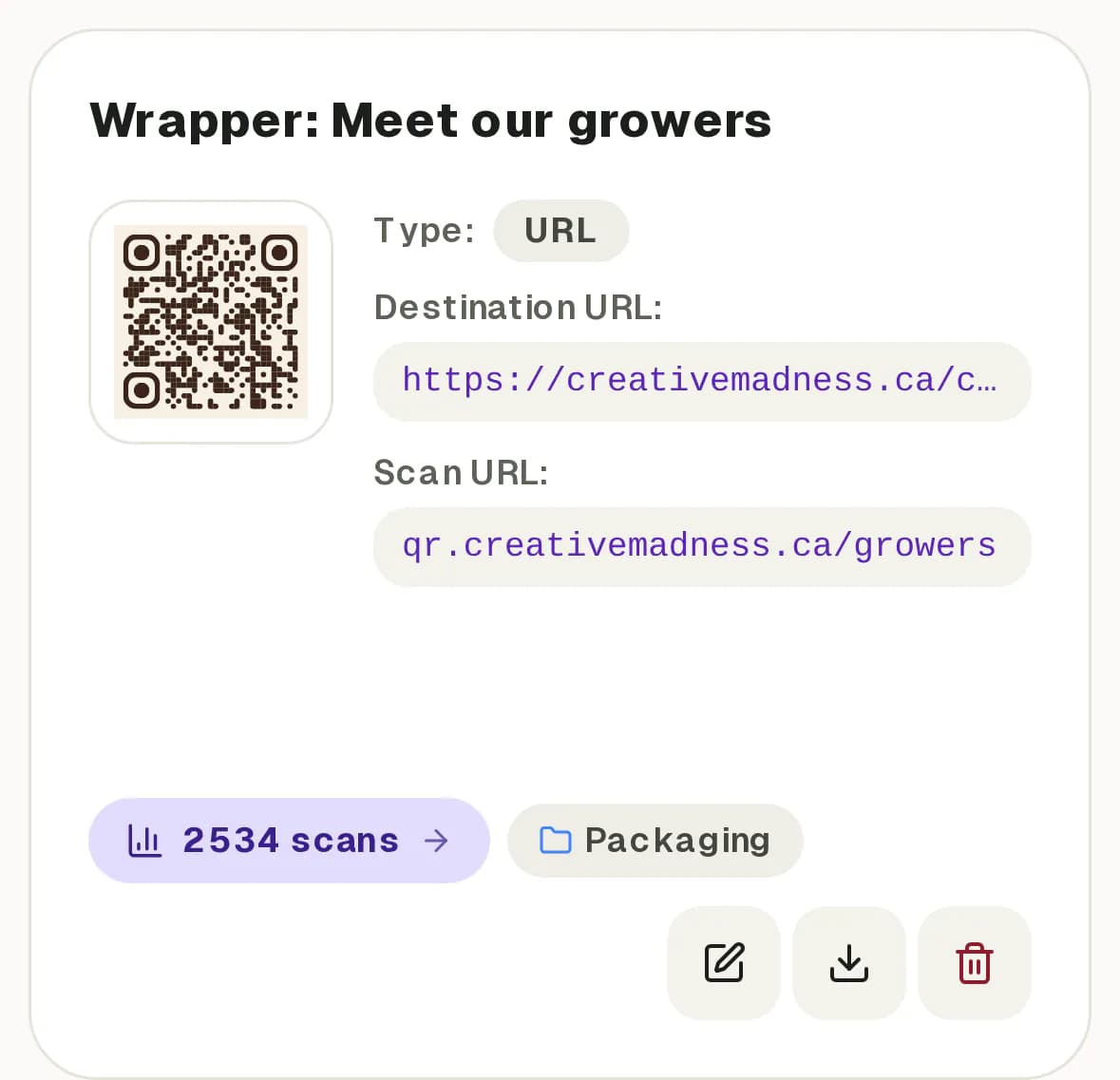
- Custom path: words you choose on your own domain, for example yourbrand.com/growers. It needs a verified custom domain.
Short codes
Short codes are unique across QRbolt and hard to guess. A short address also makes a less dense QR code, which scans more easily when it is printed small, such as on packaging.
Custom paths
A custom path is easy to read aloud and to type, so it suits posters, business cards and anything where the address is printed next to the code. Set it under Custom URL when you create the code.
- Each path must be unique on its domain.
- Use letters, numbers, hyphens and underscores.
- The domain cannot be changed after the code is created, so pick it first.
Which to choose
- Product packaging and small labels: a short code, for the smallest symbol.
- Posters, billboards and printed ads: a custom path people can type if they cannot scan.
- Business cards: a custom path on your domain looks more professional.
- Internal use: a short code, which is harder to guess.