Create your first QR code
Make a dynamic QR code, choose what it does, and download it for print
The short version
Open QR codes, choose Create QR Code, give the code a name and a destination, and save. The QR code links to a short URL that QRbolt redirects, so you can change the destination later without reprinting anything.
Step by step
- 1Go to QR codes and choose Create QR Code.
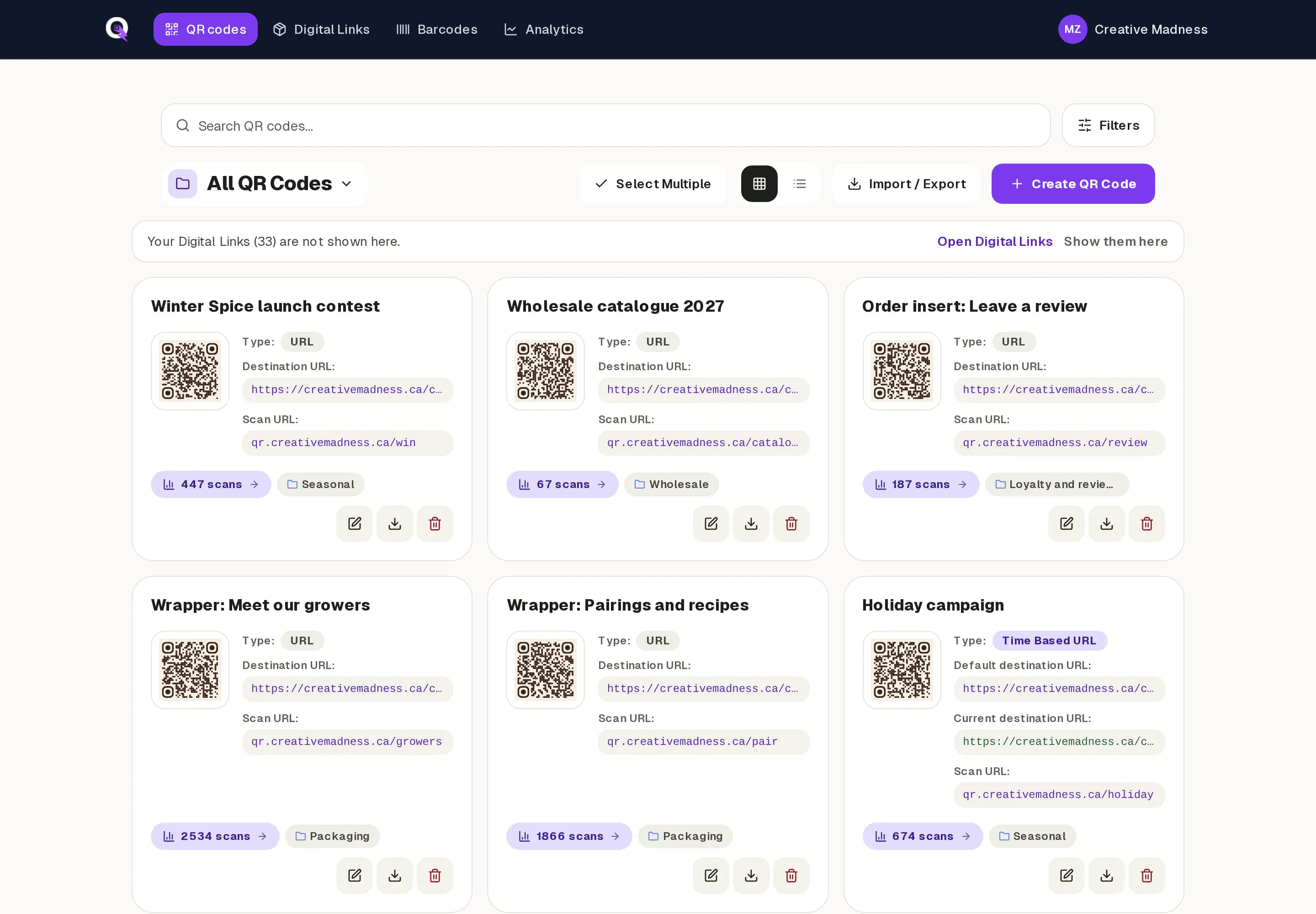
- 2Type a name you will recognise later, such as "Wrapper: Meet our growers". Only your team sees it.
- 3Pick a type. Most codes are URL codes.
- 4Fill in the destination for that type, for example the web page people should land on.
- 5Optionally open Grouping, Design Studio, Custom URL, Behavior or Security to add a group, a brand look, a custom path, a landing page or a password.
- 6Save. The code appears on your dashboard with its scan URL and a scan counter.
QR code types
- URL: sends people to a web page. The most common type, and the one you can change at any time.
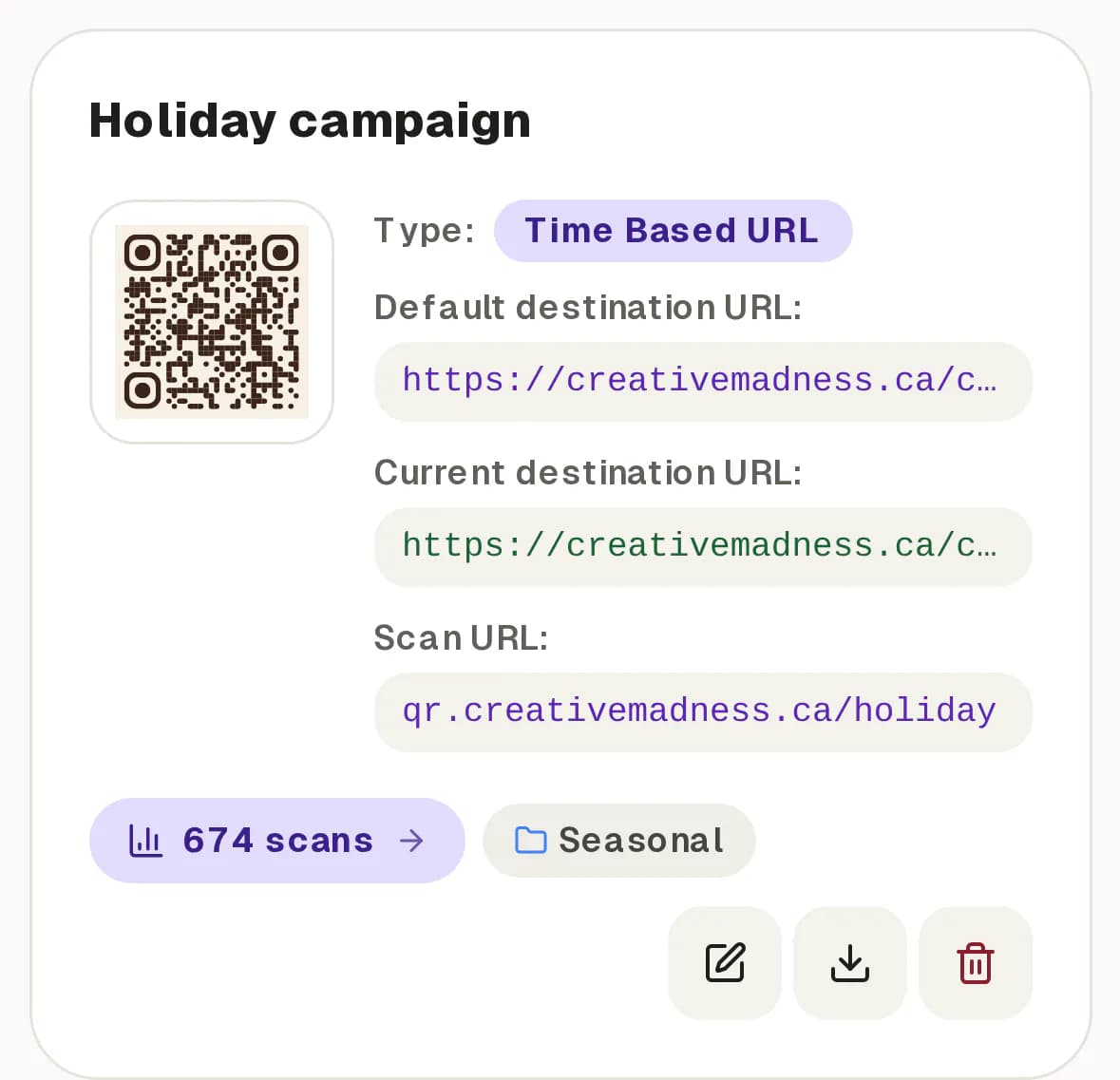
- Time-based: sends people to different pages on a schedule, such as a gift guide before the holidays and a new year offer after.
- vCard: gives people a contact card they can save to their phone.
- Phone: offers to call a number.
- Wi-Fi: lets people join a network without typing the password. Wi-Fi codes hold the network details in the code itself, so they cannot be edited after printing.
Download for print
Use the download button on a code's card. A standard PNG suits screens and documents, the high resolution PNG suits most print, and the SVG is a vector file that stays sharp at any size, which is what a designer or printer usually wants.
Test a printed proof with two or three different phones before a big print run.