Team members and roles
Invite your team and decide who can change what
Roles
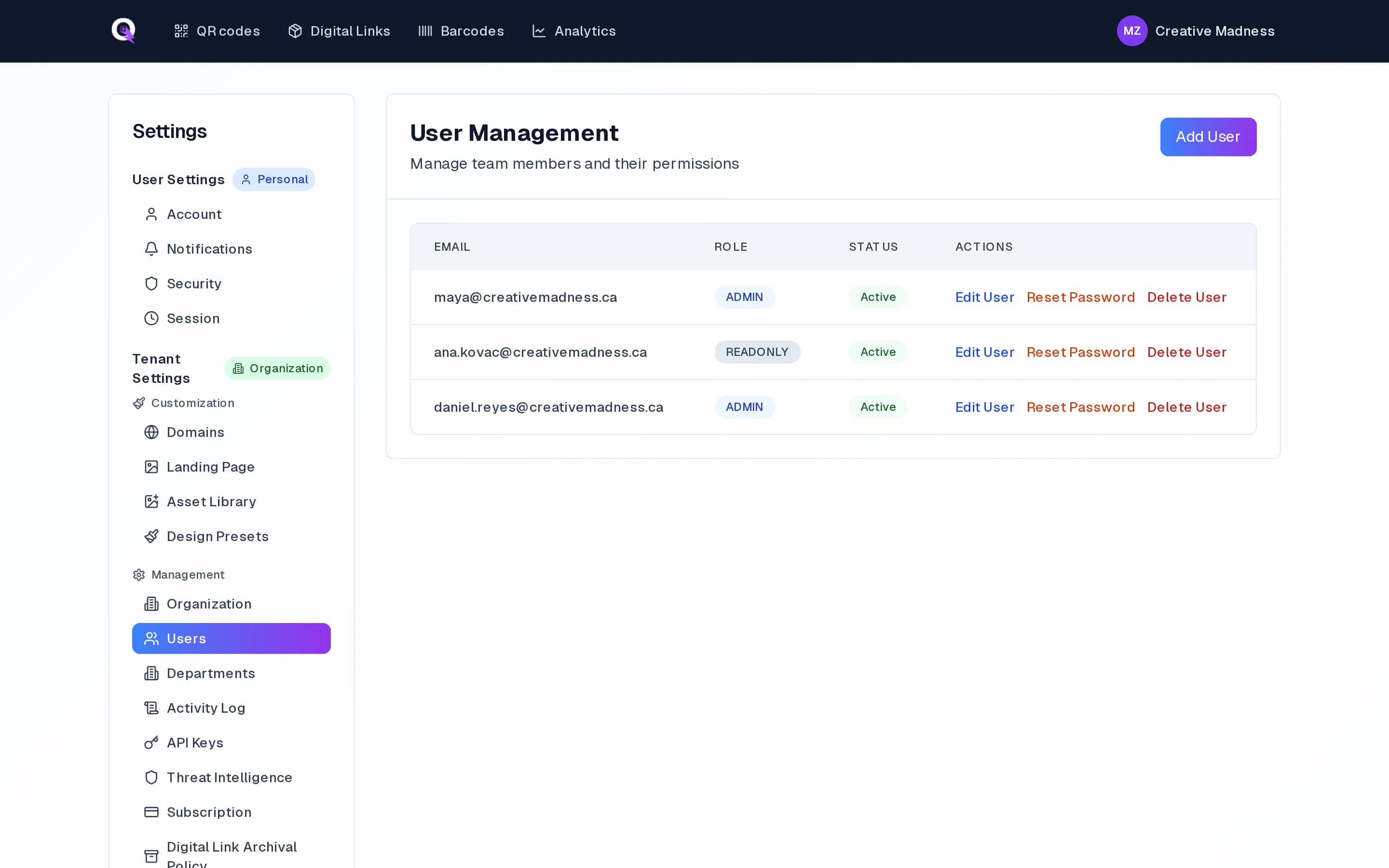
- Admin: everything, including users, domains, billing, settings and the activity log.
- Editor: creates and edits QR codes, Digital Links and barcode items, and runs imports.
- Read only: sees codes and analytics but cannot change anything.
Invite someone
- 1Go to Settings, Users and choose Add User.
- 2Enter their email address and pick a role.
- 3They get an email invitation. Until they accept, it shows as pending.
- 4Change a role or remove someone at any time from the same page.
Larger teams
Departments split codes between teams inside one organization. Single sign-on lets people sign in with your company account; see Why SSO for what it involves.