Change history and the activity log
See who changed a code, undo a change, and keep an audit trail for your organization
A code's history
Edit a code and open the History tab to see every saved version: what changed, who changed it, when, and from where. Choose a version to restore it. Restoring saves a new version, so the state you replaced is kept and you can undo the restore too.
The activity log
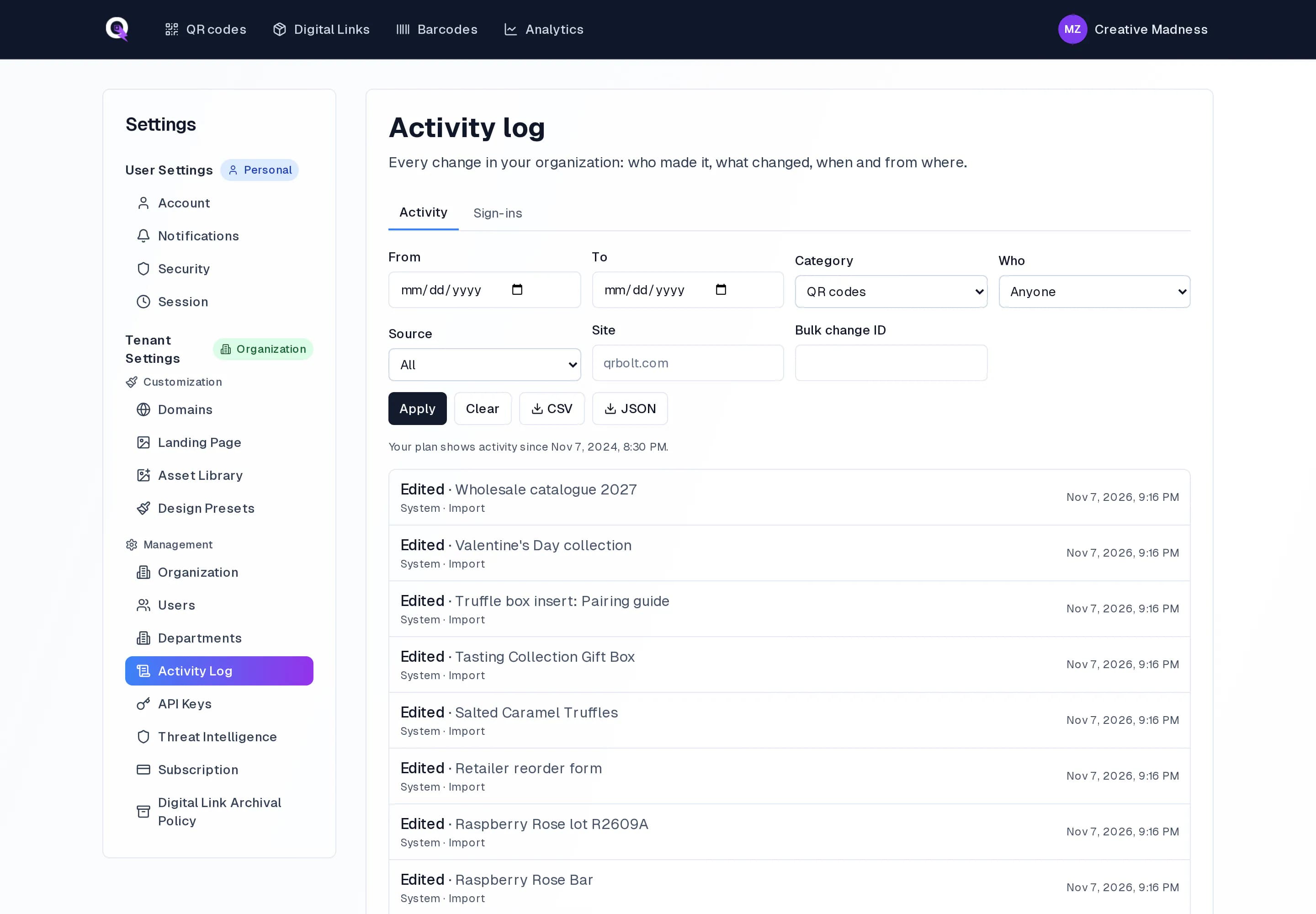
Admins find the activity log under Settings, Activity Log. It lists every change in the organization, newest first, with filters for dates, category, person, source and site. A bulk change or an import shows up once with its batch id, and you can revert the whole batch in one step. Export the log as CSV or JSON for your records.
Change notes and alerts
- An admin can ask for a short note with every change. The note is saved in the code's history and in the activity log.
- If someone else saved the code while you were editing, QRbolt shows you their changes instead of quietly overwriting them.
- Admins can get an email when something sensitive happens, such as a destination changed through the API, a bulk change touching more than 50 codes, or a change to single sign-on.
- The Sign-ins tab lists sign-ins, failed attempts and password changes.