Import and export
Bring codes and products in from a spreadsheet, and take your data out
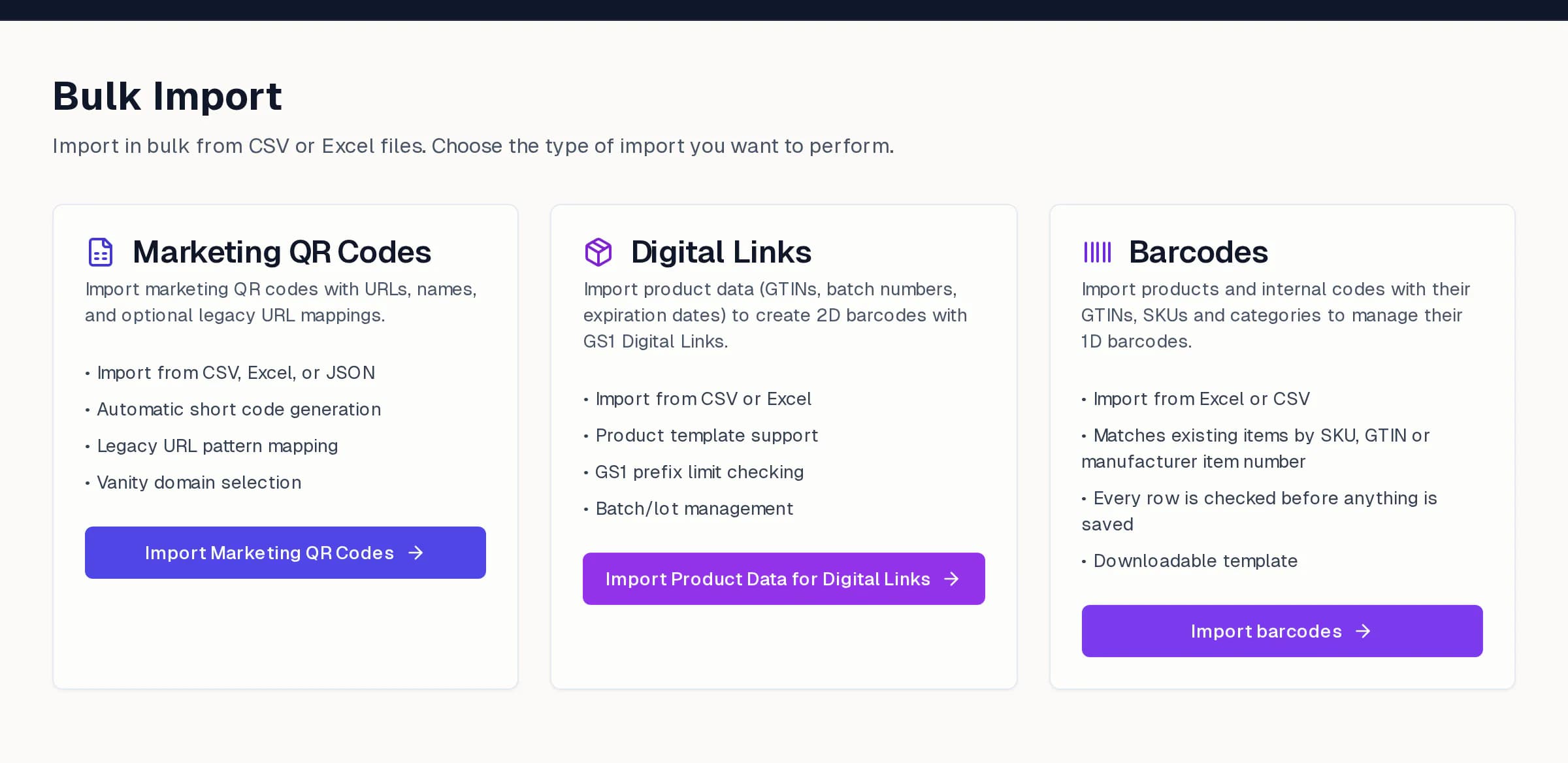
Three kinds of import
Open Import from the QR codes dashboard (Import / Export) and choose what you are bringing in. Each import checks every row before anything is saved and keeps a record under import history.
- Marketing QR codes: from CSV, Excel or JSON, with names, destinations and optional legacy URL mappings so existing printed links keep working.
- Digital Links: product data such as GTINs, batch numbers and expiry dates becomes GS1 Digital Link codes, checked against your declared GS1 prefix.
- Barcodes: products and internal codes with their GTINs, SKUs and categories go into Barcode Manager, matched to existing items by SKU, GTIN or manufacturer item number.
Before you import
- 1Download the template for the kind of import you need and keep its column names.
- 2Fill in one row per code or item. Leave optional columns empty rather than deleting them.
- 3Upload the file and read the check results. Fix the rows it flags, or skip them.
- 4Confirm. Large files run in the background and you can follow them in import history.
Export
Use Import / Export on the dashboard to download your QR codes, or the Export page in Barcode Manager for items and barcode files. Analytics has its own CSV and Excel export.